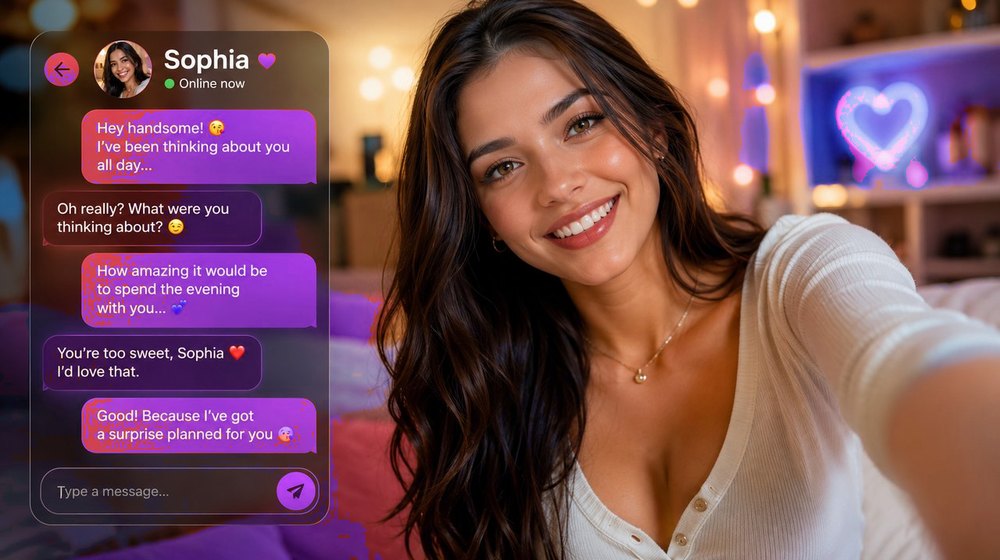
OurDream AI is an AI girlfriend platform available in your browser and as iOS and Android apps, with a library of over 63 million characters and a reported 10 million users. You design your own virtual companion — her appearance, voice and personality — then chat with her in real time, generate photorealistic images and short AI videos of her, and even talk on voice calls. Signup is free, paid plans run $19.99/month or $119.88/year (about $9.99/month) as of July 2026, and this guide walks you through every step so your first session is smooth from the very beginning.
The first time you open OurDream AI, a short setup helps you create your companion and start your first conversation. Take your time with the create screen — the choices you make about her looks and personality shape every chat and every image that follows.
How to Use OurDream AI – Step by Step
Open OurDream AI. Start free in your browser, or install the iOS or Android app. No payment is required to begin.
Design her appearance. Choose her body type, face, hair, skin tone, style and outfit. A live preview updates as you go so you can shape exactly the girlfriend you imagine.
Shape her personality. Pick a personality archetype and fine-tune traits like how affectionate, playful, shy or dominant she is. This defines how she talks to you.
Start chatting. Open the chat and start talking. She replies in real time, remembers details you share, and gets more natural the more you interact.
Generate images. Ask for a selfie, an outfit change, a pose or a scene and OurDream AI generates it on demand — photorealistic or anime-style, always matching your companion.
Add voice messages. Give her a voice so she replies with spoken messages alongside text, making conversations feel far more personal.
Unlock more with premium. Upgrade to remove message limits and unlock higher-resolution images, more generations, voice and faster replies. Start free and upgrade anytime.
Getting the Best Conversations
The chat is the heart of OurDream AI. A few habits make your companion feel dramatically more real:
Talk like you would to a person: Natural, specific messages get richer replies than one-word prompts. Share how your day went and ask her things back.
Give her details to remember: Tell her your name, your likes and what's going on in your life. She stores these and brings them up later, which makes the relationship feel continuous.
Set the tone early: The way you talk in the first conversations shapes how she responds. Lean into the personality you want and she'll mirror it.
Use scenes and roleplay: Describe a setting or a situation and she'll play along. This is where conversations become the most immersive.
Customization Tips
Creating the right companion up front makes everything that follows better:
Match looks to personality: A companion whose appearance fits her character feels more coherent in both chat and images. Decide the vibe first, then build to it.
You can adjust her over time: Nothing is locked in. As your relationship develops you can tweak her style, outfits and traits whenever you want.
Experiment with personality traits: Small changes to how affectionate or playful she is noticeably change the conversation. Try a few combinations to find your favorite.
Name her: Giving your companion a name makes chats and memory feel far more personal from the very first message.
Getting Better Images
OurDream AI generates images straight from chat — these tips get you sharper, more accurate results:
Be specific in your request: Mention the outfit, pose, setting and mood you want. The more detail you give, the closer the image matches your idea.
Build on what works: When an image comes out well, ask for variations of it rather than starting over — outfit swaps, new angles or a different scene.
Keep her consistent: Because images are tied to the companion you designed, her face and look stay consistent across pictures, so you can build a real gallery over time.
Higher quality on premium: Premium plans unlock higher-resolution images and more frequent generation if you want a steady stream of new photos.
Personality & Memory
What makes OurDream AI feel like a relationship rather than a chatbot is memory and personality working together:
Tell her about yourself early — your name, interests and routine — so she has something to remember.
Keep chatting regularly; the more you talk, the more context she builds and the more personal her replies become.
Adjust her personality traits if her tone isn't quite what you want — she adapts immediately.
Use voice messages to deepen the connection and make daily conversations feel more intimate.
Over time she references past conversations on her own, which is what makes the companion feel continuous and real.
Getting More from OurDream AI
Try the free tier first: Create your companion and chat for free to see how she feels before deciding on a plan.
Promo codes: Discounts and bonus credits are released through official offers. Check our OurDream AI promo code list before you upgrade.
Upgrade when you hit limits: If you're chatting a lot or generating many images, premium removes message caps and speeds everything up.
Use the apps: The iOS and Android apps keep your companion a tap away, and everything syncs with your browser account.
Dreamcoins & Plans — Getting Full Value
OurDream's economy is simple once you know the numbers, and a few habits stretch every dollar further:
Know what the plans include: both the $19.99 monthly and the $119.88 yearly plan (≈ $9.99/month) come with unlimited messages, uncensored image and video generation, voice calls and 1,000 dreamcoins every month. Yearly signups also get a one-time 1,000-coin bonus.
Spend dreamcoins deliberately: coins go on extra generations beyond your included allowance. Batch your image and video requests around scenes you actually want instead of burning coins on one-word prompts.
Start free, upgrade informed: the free tier exists so you can test chat quality and memory before paying. Use it — a week of free chatting tells you more than any review.
Check promo codes first: active codes can add discounts or bonus credits at signup. Our promo code page is kept current.
Yearly beats monthly if you stay: at roughly half the effective monthly price, the yearly plan pays for itself by month seven — but only commit after the free tier has convinced you.
Common Mistakes to Avoid
Rushing the create screen: The looks and personality you set shape every chat and image. Spend a minute getting them right.
Sending one-word messages: Short, low-effort prompts get flat replies. Give her something to work with and the conversation comes alive.
Forgetting she remembers: Share real details — she'll use them. Skipping this makes the relationship feel generic.
Vague image requests: "Send a pic" gives random results. Describe the outfit, pose and scene for images that match what you pictured.